Help Menu
Clicking the question mark button opens the Help Menu. This contains the following options
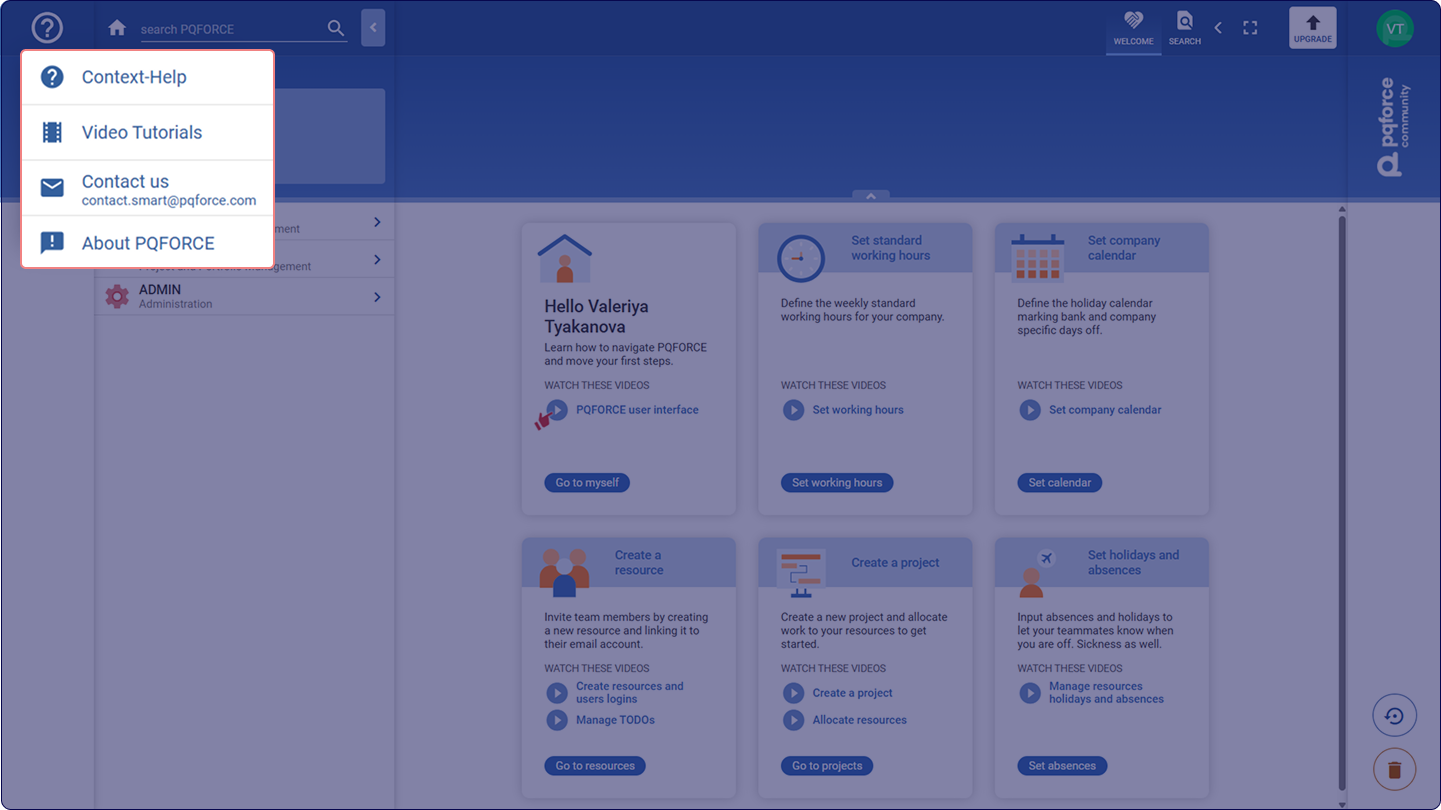
Context Help
Darkens the screen and visually highlights elements for which more information can be shown. Hovering the cursor over a highlighted element reveals a tooltip with a brief explanation.
Clicking on a highlighted element opens an article in the customer centre manual in a new tab, which contains a detailed explanation.
This context help can alternatively be activated or deactivated with the function key F9.
Video Tutorials
Opens a pop-up window in the centre of the screen containing helpful video tutorials.
PQFORCE Community
Opens a new tab with the PQFORCE Community, a collaborative space for PQFORCE users to explore features and functionalities, share experiences and best practices.
Contact us
Opens the default email client in a pop-up window, allowing an email to be sent to the PQFORCE support team for requests or feedback.
About PQFORCE
Triggers a centred pop-up window on the screen, providing access to information concerning the current PQFORCE system status, resource and project utilisation, and client and server conditions. Additionally, you can find release notes here, offering insights into changes made in both current and past releases.