Documents
The name of this view depends on the active subscription: it is called Documents in the Enterprise edition and Links in all other editions.
This view allows you to store links and files that are relevant to the active object.
All links are listed in the workspace. Adjacent to each link, a small grey arrow is available for opening the link in a new window.
Workspace
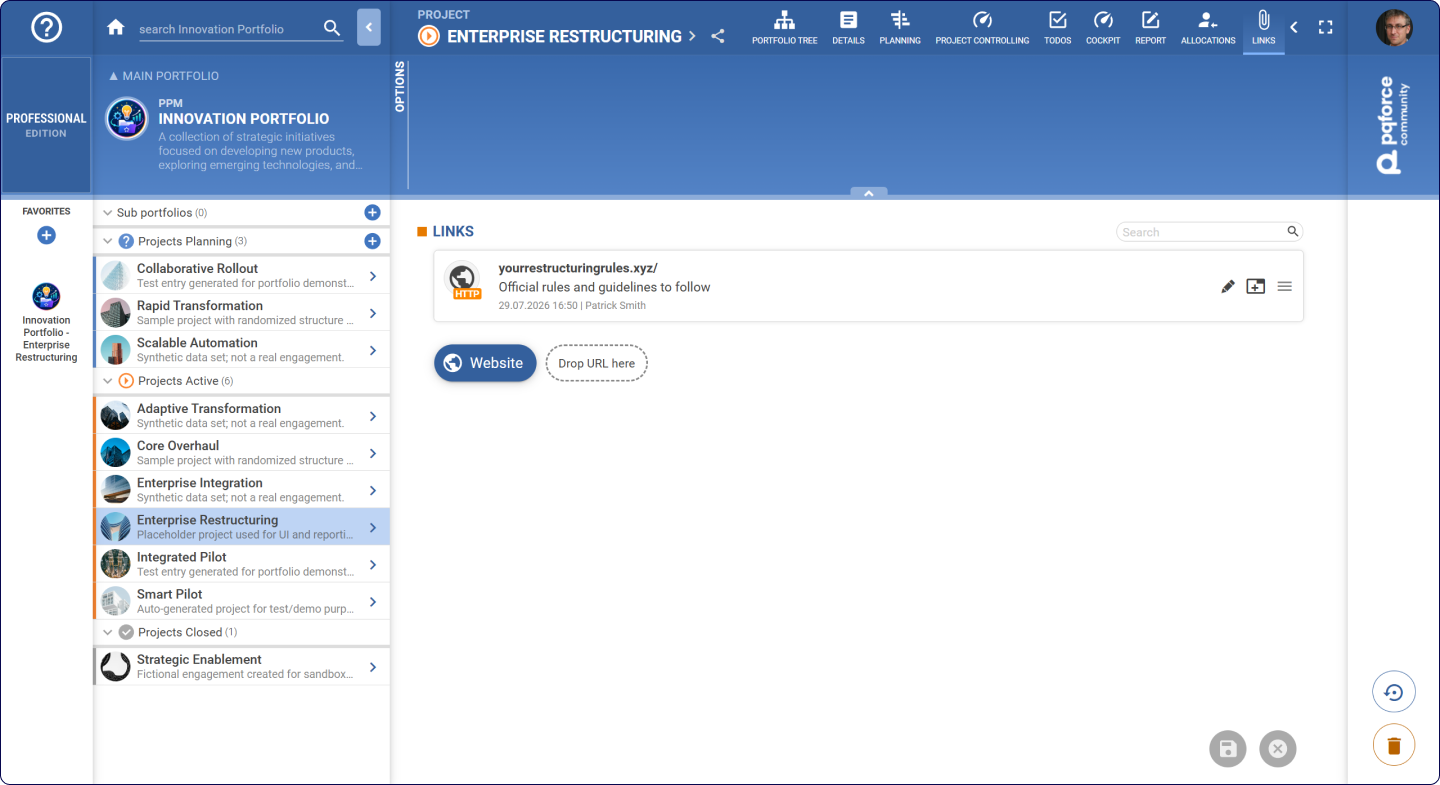
In the upper right corner of the workspace there is the possibility to browse the stored links.
A URL can be dragged and dropped onto the field URL here in order to store the corresponding file or to create the corresponding link.
Uploading files
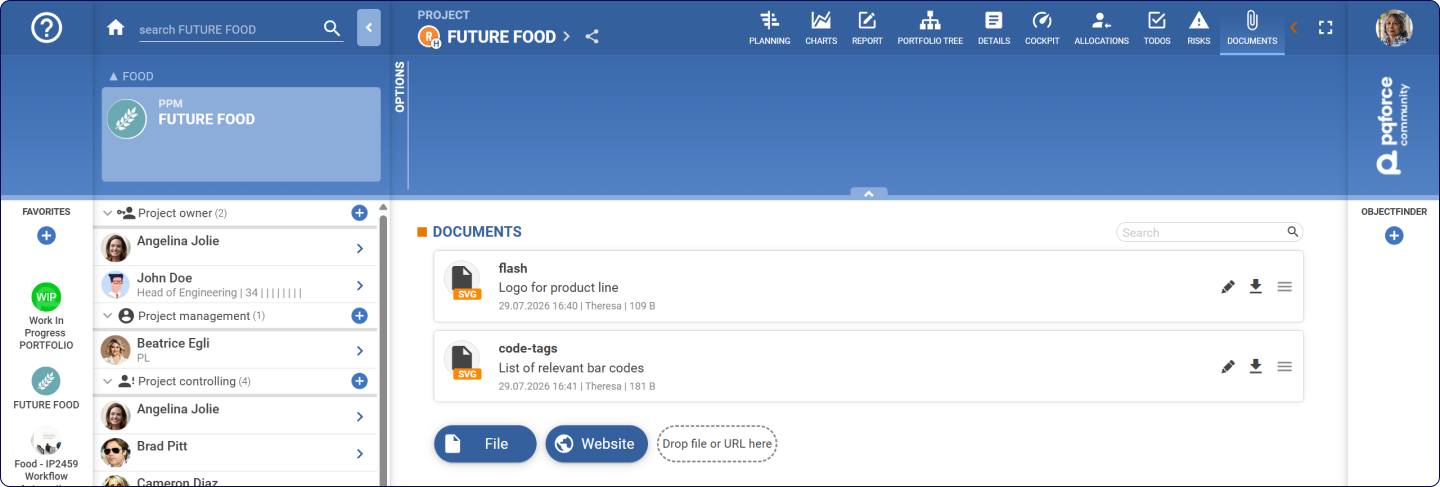
Files are available for Enterprise users only
By clicking the File button, a new file can be uploaded. A file can be deposited onto the Drop file here area via drag and drop. A description can also be provided.
Create link
By clicking on the button Website a new link can be created by entering a URL and optionally a description.