Details
The Details view contains general information about the active organisation unit and allows managing this information.
Workspace
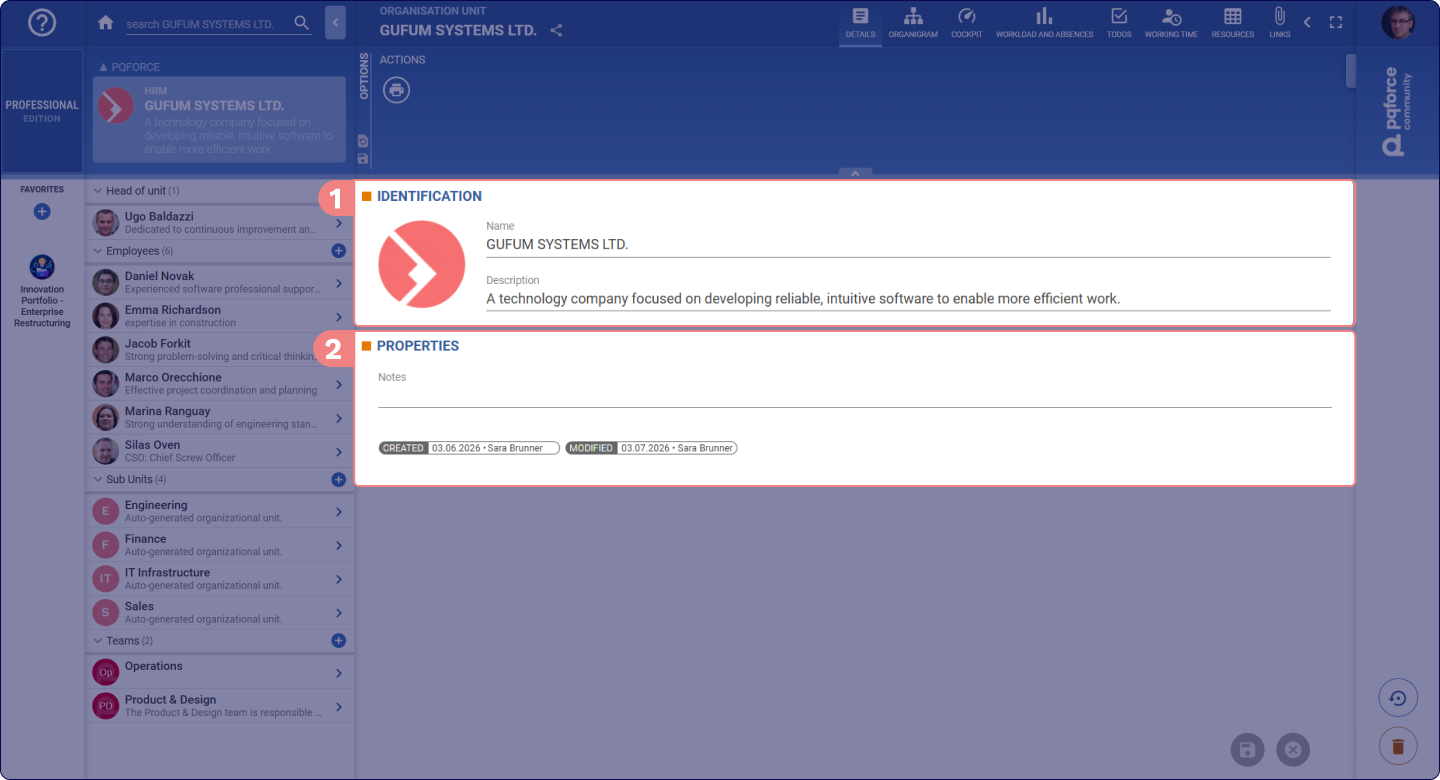
1 IDENTIFICATION
In this section, the identification characteristics of the active organisation unit are entered.
Image: The image serves as a visual identifier of the organisation unit. An image can simply be dropped here via drag & drop. Alternatively, an image can also be copied and then pasted here by clicking on the circle and then pressing the key combination CTRL+V. To restore the default icon, the current image can be removed by dragging and dropping it onto the Trash Bin
![]() .
Name: This is the name of the organisation unit. It is used to distinguish the different organisational units.
Description: The description is a rich text field and can therefore be used to enter any detailed description for the organisational unit.
 .
2 PROPERTIES
Notes: This additional rich text field can be used for any additional comment.
Options Area
The following section describes which settings can be made in the Options Area.
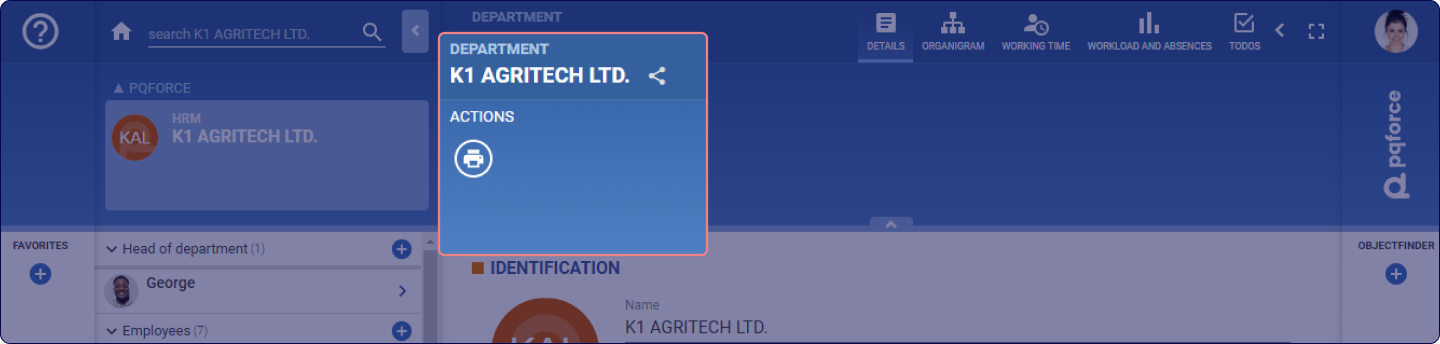
ACTIONS
Actions for the active view can be performed here.
Print: Here you can print the details in the workspace.